> For the complete documentation index, see [llms.txt](https://help.autojobs.co/llms.txt). Markdown versions of documentation pages are available by appending `.md` to page URLs; this page is available as [Markdown](https://help.autojobs.co/iii.-huong-dan-ung-vien/meo-tim-viec-hieu-qua.md).
# Mẹo tìm việc hiệu quả
Để tìm việc nhanh nhất, ứng viên nên chủ động tạo 1 CV online đẹp đồng thời chủ động tìm việc
### Cách 1: Chủ động chào bán mình
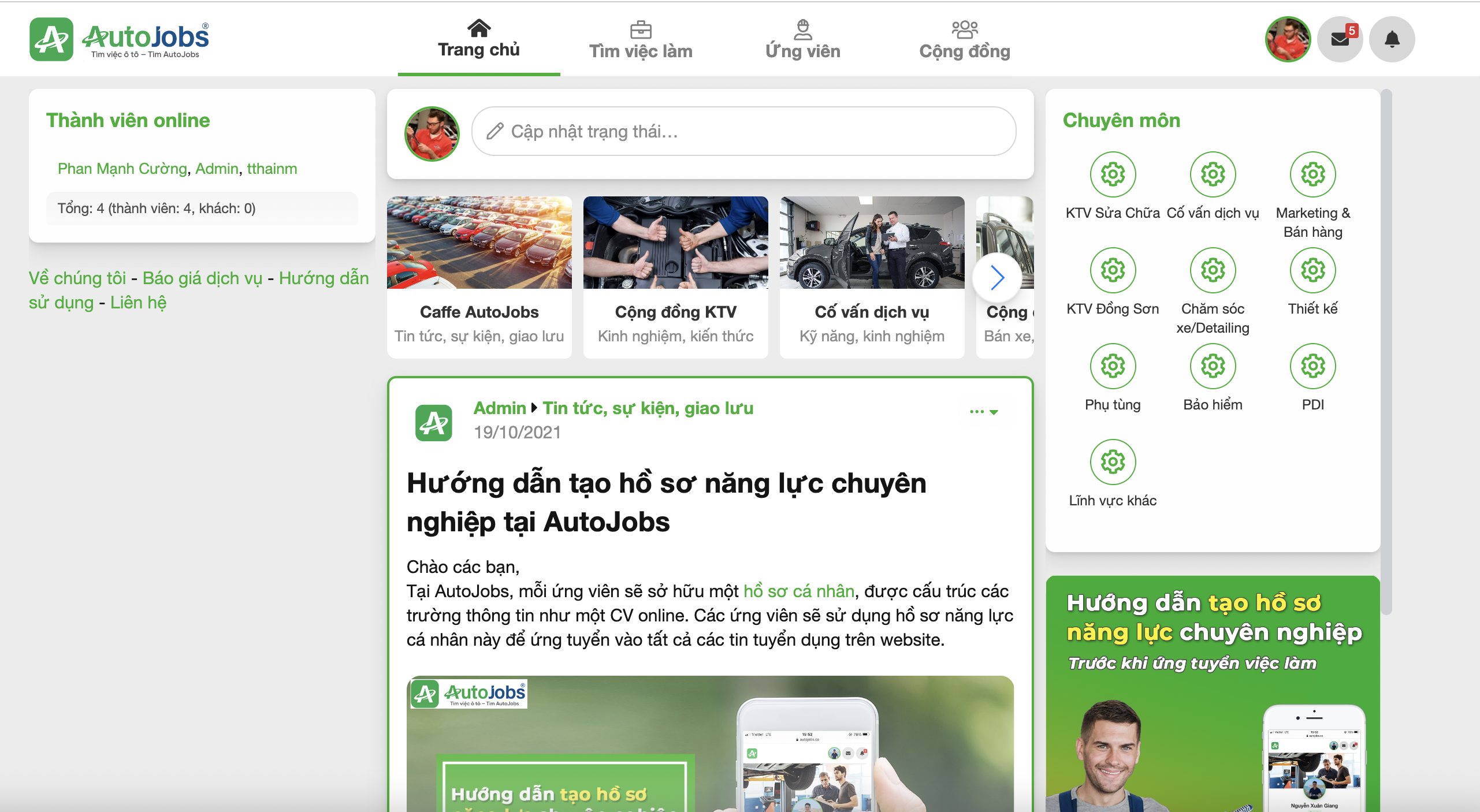
Sau khi đã tạo 1 CV online đẹp, đầy đủ thông tin trên website. Bạn nên đăng bài chào bán mình ngay tại **trang cá nhân** phần **"Cập nhật trạng thái"**, để bài viết hiện lên Trang chủ của Autojobs.
### Cách 2: Chủ động tìm lọc tin tuyển dụng mới nhất
Lọc tìm và ứng tuyển các công việc mới nhất. Nhắn tin cho nhà tuyển dụng nếu chưa được liên hệ.
### Cách 3: Làm mới CV để nổi lên trên cùng mục Ứng viên
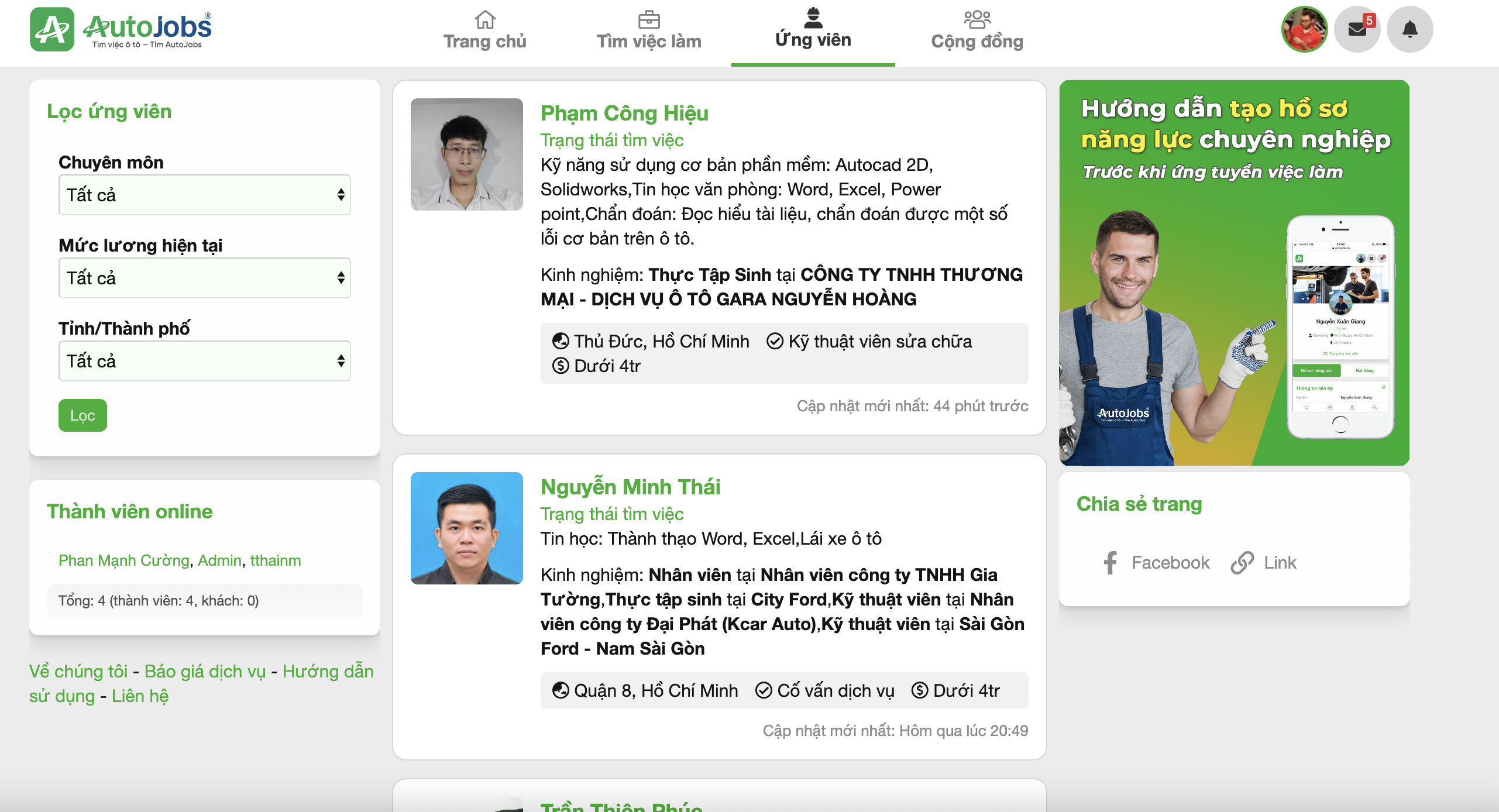
Nhà tuyển dụng sẽ thường tìm lọc và liên hệ với các ứng viên có thời gian cập nhật mới nhất. Vì vậy, bạn nên làm mới CV để hồ sơ tìm việc của bạn được nổi bật lên trên cùng. Chú ý chọn cho mình 1 ảnh đại diện thật sáng sủa nhé.